Two screens for any TV: the walk-in queue with wait times, and today's appointments per barber.
Called clients with the barber's name and photo. The waiting list with each position and the estimated wait. It updates live.
A timeline per barber with a line for now. Breaks are marked. Walk-ins and kiosk check-ins appear in the same rows as online bookings.
Two barbers or ten, the board fills the screen and stays readable from across the room.
Barberly: Walk-in Queue. Sign in with your shop name and TV password, pick the location and the screen. After a restart it opens the same screen again.
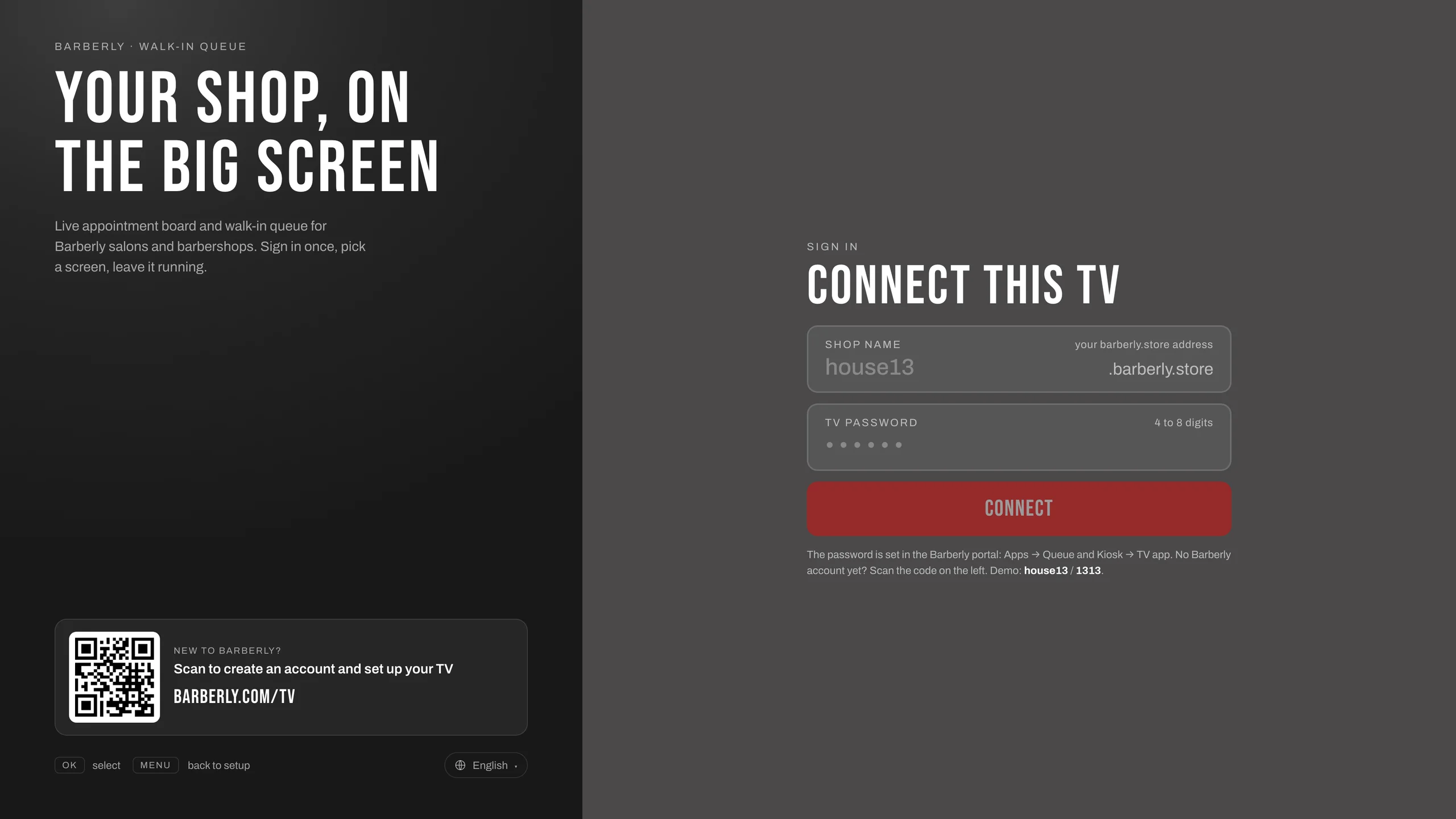
Sign in once. On the TV it shows barberly.com/tv for new shops.
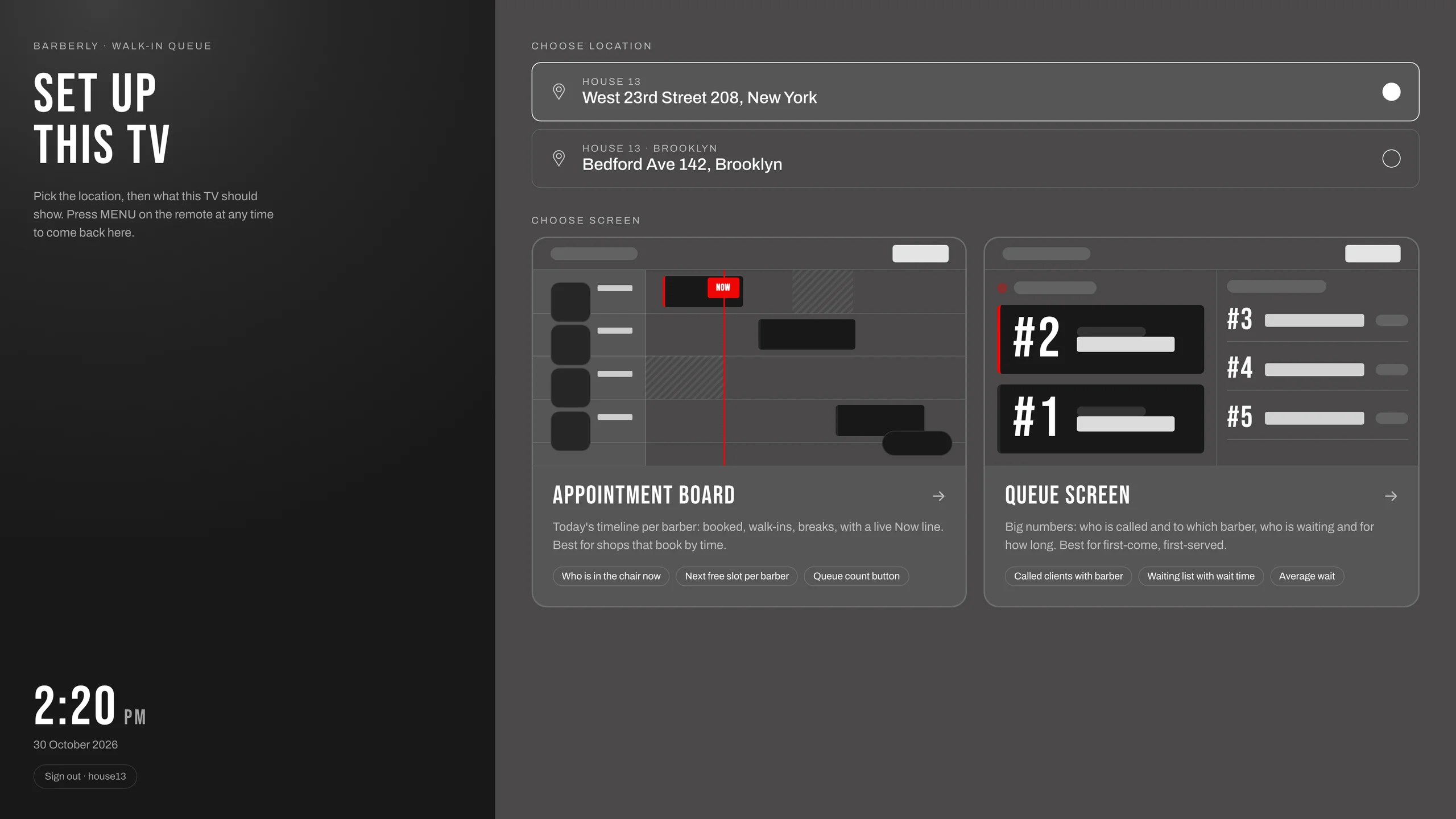
Pick the location and what this TV shows.
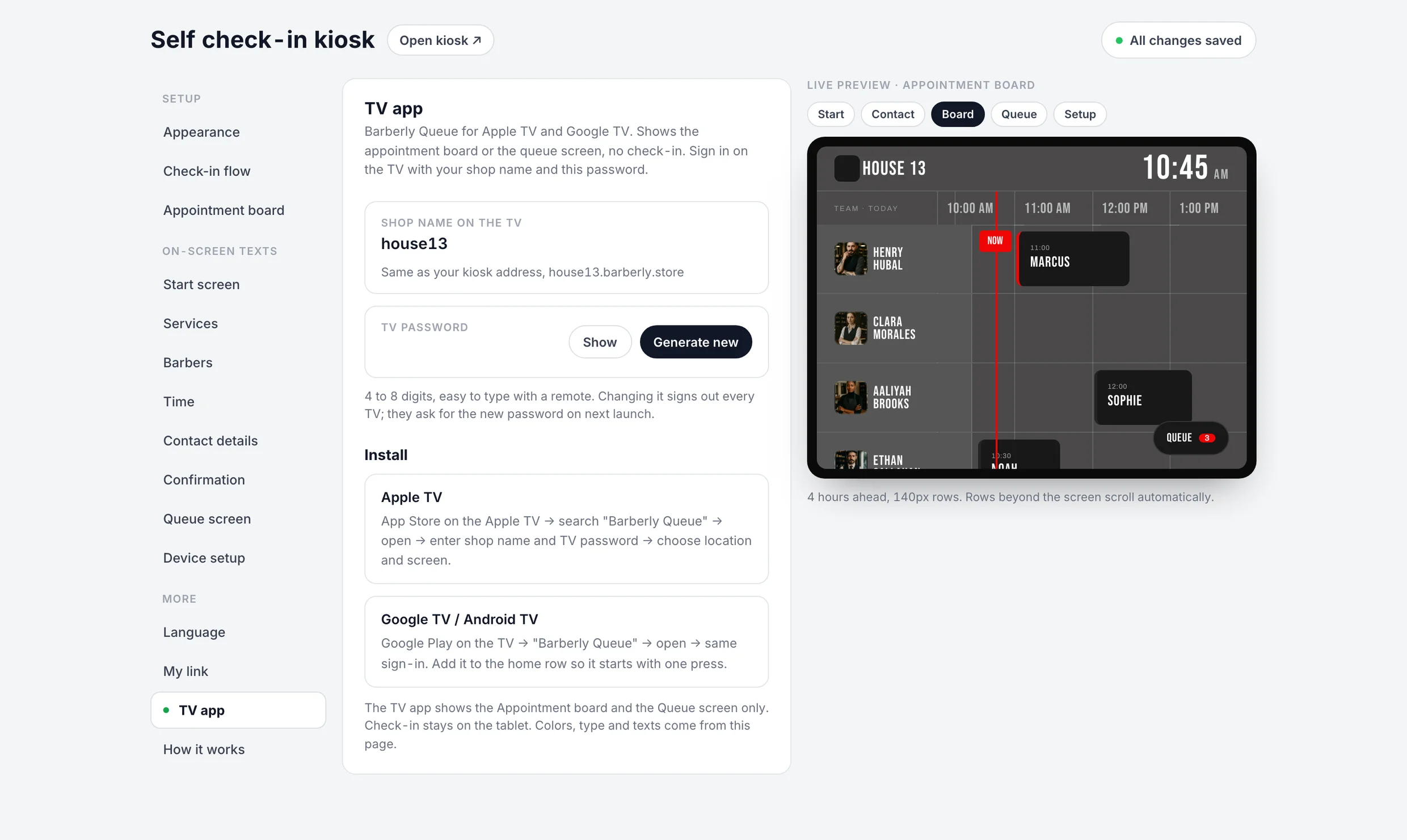
The kiosk, the queue screen, the appointment board and the TV app are all set up in the Barberly portal, with a live preview. Changes show up on every screen right away.

The board is part of the same app as the kiosk, just on a different screen. Open it in a browser on any TV.
Compiled from the most common inquiries received by our support team
Today per barber on a timeline: online bookings, staff appointments, walk-ins and kiosk check-ins, with a line for now and breaks marked.
Clients who are called, with the barber they go to, and the waiting list with each position and the estimated wait.
Yes. Both screens update as clients check in and the team calls, starts and completes visits.
Apple TV and Google TV. On any other TV, open the board in the browser.
Yes. It is included in every Barberly plan, like the kiosk and the board.
The app opens the same screen again. You only sign in once, unless the TV password is changed in the portal.
Yes. Each TV picks its own location and screen.
Make the rows taller and show fewer hours, so the board fills the screen and stays readable from a distance.
The ways to put the Barberly queue screen or appointment board on a shop TV: the TV app for Apple TV and Google TV, a browser on a smart TV, or a computer connected to the TV.
ReadThe walk-in kiosk was rebuilt: two check-in modes, a ticket on the client's phone, a queue screen for the TV, an Apple TV and Google TV app, one settings page.
ReadAccess every Barberly feature free for 30 days. No credit card required.